Interactive Rule Search & Run
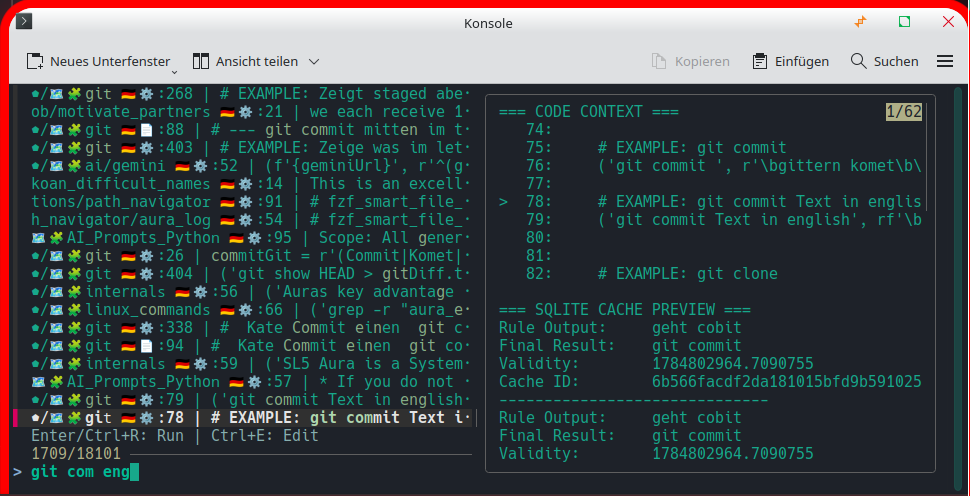
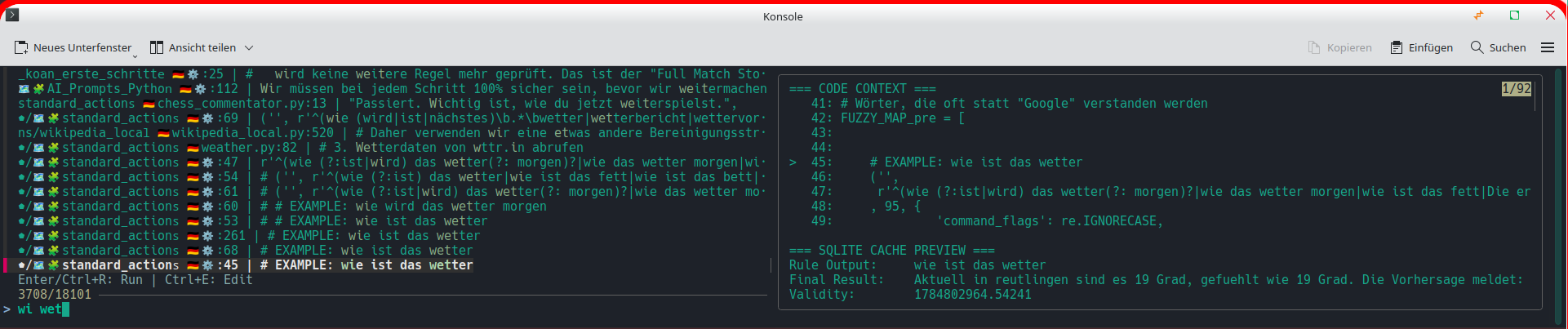
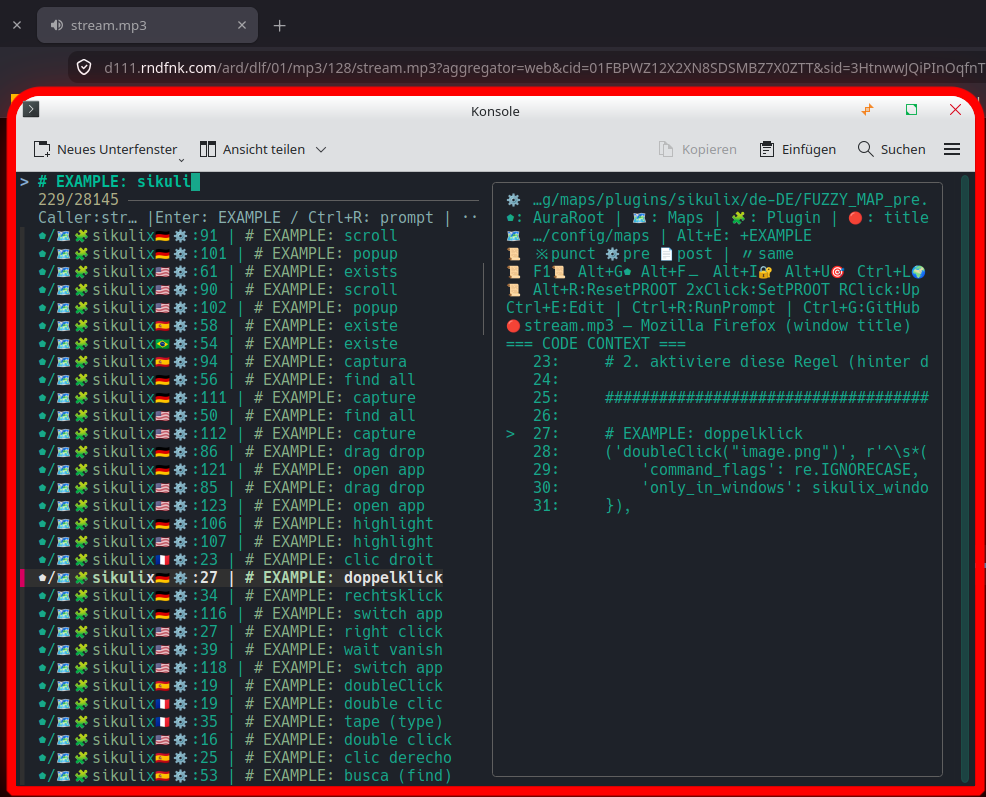
This spotlight highlights the interactive rule-searching and execution system, bridging vocal commands, live navigation, and instant execution.
Core Features
[1] Dual-Pane Live Search (fzf): Left pane filters rule files; right pane displays line-context preview via preview_rule.py.
[2] Instant Executions (Enter / Ctrl+R): Runs the extracted target command instantly via run_palette_command.py in the background.
[3] Direct Editing (Ctrl+E): Launches the editor (CudaText with @line, Kate/VS Code with --line) directly at the targeted line.
[4] Floating Window Hotkey: Bound to Super+S for a fast, desktop-integrated workspace workflow.
[5] Voice-Command Powered: Numerous voice commands pre-configure search patterns in search_rules.sh for fast, targeted lookups.
Cross-Platform Support
Linux Bash (
run_rule.sh/search_rules.sh): Fully-featured implementation with history tracking and clipboard operations (Ctrl+X/Ctrl+A).Windows PowerShell (
search_rules.ps1): Companion tool providing lightweight terminal search capabilities.